Lucky Staff is a mobile app for fitness club employees that works within the Lucky Fit ecosystem and significantly simplifies the daily work of managers, trainers, and administrators.
The app lets you manage key club processes right from your smartphone—from analytics and sales to shift and training management.
Lucky Staff means convenience, control, and transparency for the whole team.
Who Lucky Staff is for
The app adapts to an employee’s role in the club and provides access only to the functionality they need.
For club managers and owners
Leaders get quick access to the club’s core performance indicators:
- viewing analytics and key metrics;
- monitoring front desk operations;
- getting an immediate view of the club’s financial and operational status.
👤 For administrators
Administrators can perform all key actions without being tied to a work computer:
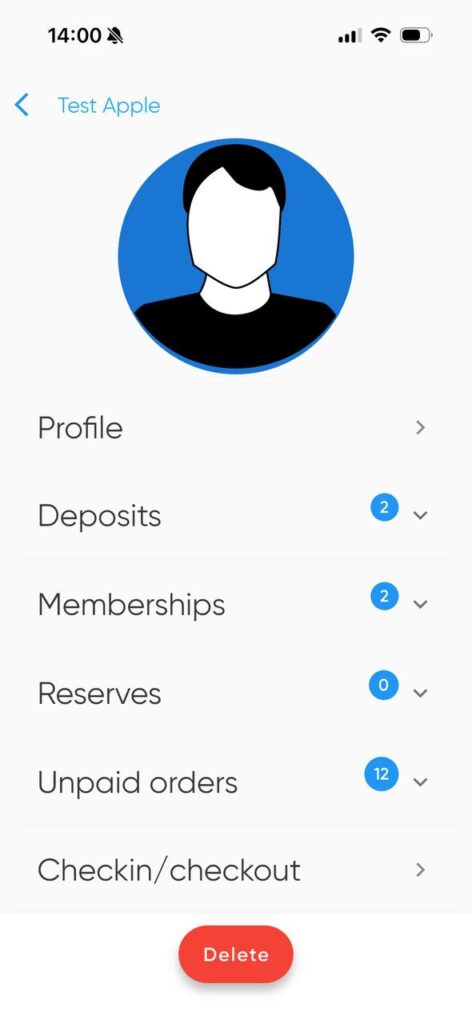
- selling memberships and products;
- registering new clients;
- checking clients into the gym;
- booking clients for group and personal training sessions;
👤 For trainers
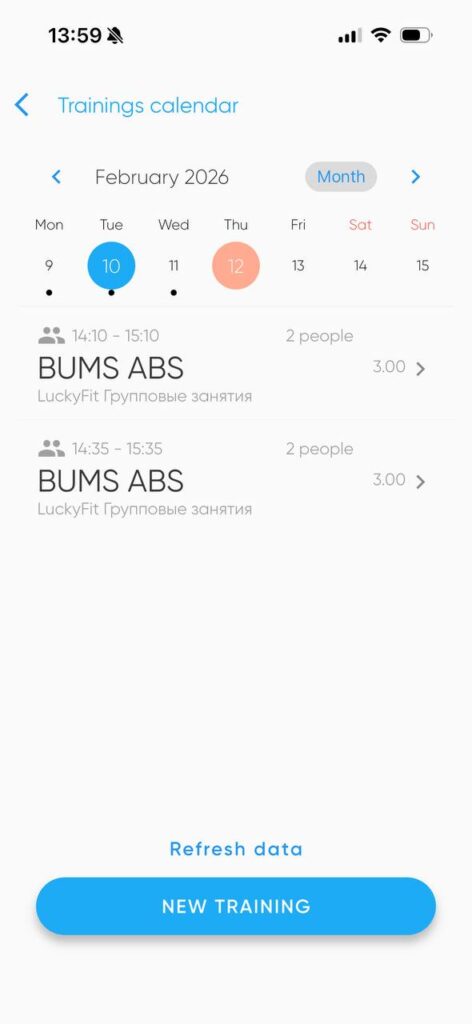
Lucky Staff is a full-featured work tool for trainers:
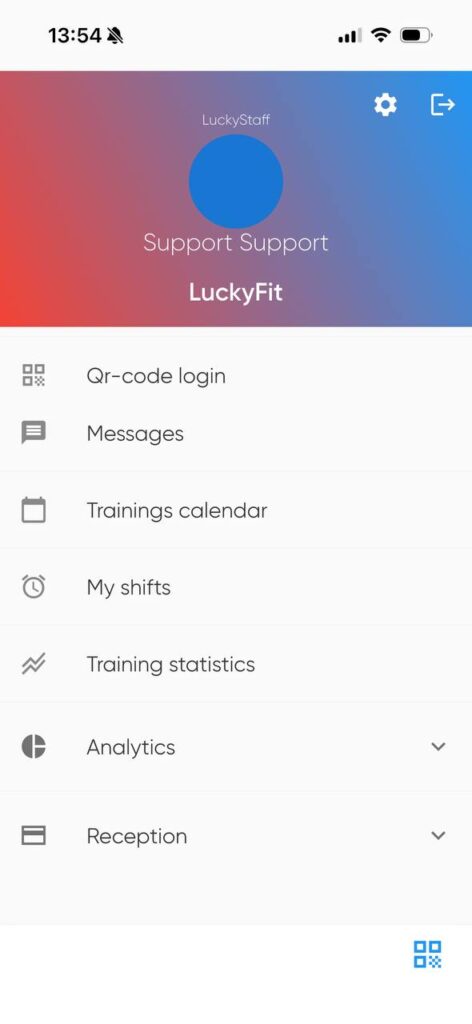
- managing their schedule and work shifts;
- booking clients for personal and group training sessions;
- viewing training statistics;
- tracking payroll accruals;
- push notifications and reminders about training sessions and shifts.
Flexible access control
All Lucky Staff capabilities are strictly regulated by employee roles.
Each person sees only the sections they need for their work—this is secure and convenient.
How to configure access
- Go to Settings → Employees → Roles.
- Select or create a role.
- Enable access to Lucky Staff — mobile app for employees.
- In Permission settings, add the required sub-sections.
Recommended access:
- For managers and owners: Analytics, Front Desk
- For trainers: My Workouts, Workout Statistics, Shift Management
- For administrators: Front Desk, Shift Management
Adding an employee to Lucky Staff
For an employee to use the app, they must be created as a user in the system.
Step-by-step instructions:
- Go to Settings → Employees → Staff.
- Create a new employee or select an existing one.
- Open the User section.
- Fill in the details:
- Login — phone number or email;
- Password — will be sent to the specified phone or email;
- Role — must include access to the Lucky Staff mobile app.
- If the password is lost, you can change it using the “Change password” button.
Downloading the Lucky Staff app
The app is available for iOS and Android:
- Play Market — https://play.google.com/store/apps/details?id=com.softlab.luckystaff&hl=uk
- App Store — https://apps.apple.com/ua/app/luckystaff/id1345361935?l=ru
You can also watch a video overview of Lucky Staff features:
👉 LuckyStaff — app feature overview for employees
Benefits of Lucky Staff for your club
- mobility and quick access to data;
- reduced load on the front desk;
- transparent trainer performance;
- shift and payroll control;
- one unified system for the entire team.
Lucky Staff is a modern staff management tool for fitness clubs that delivers results.